What is Clipvella?+
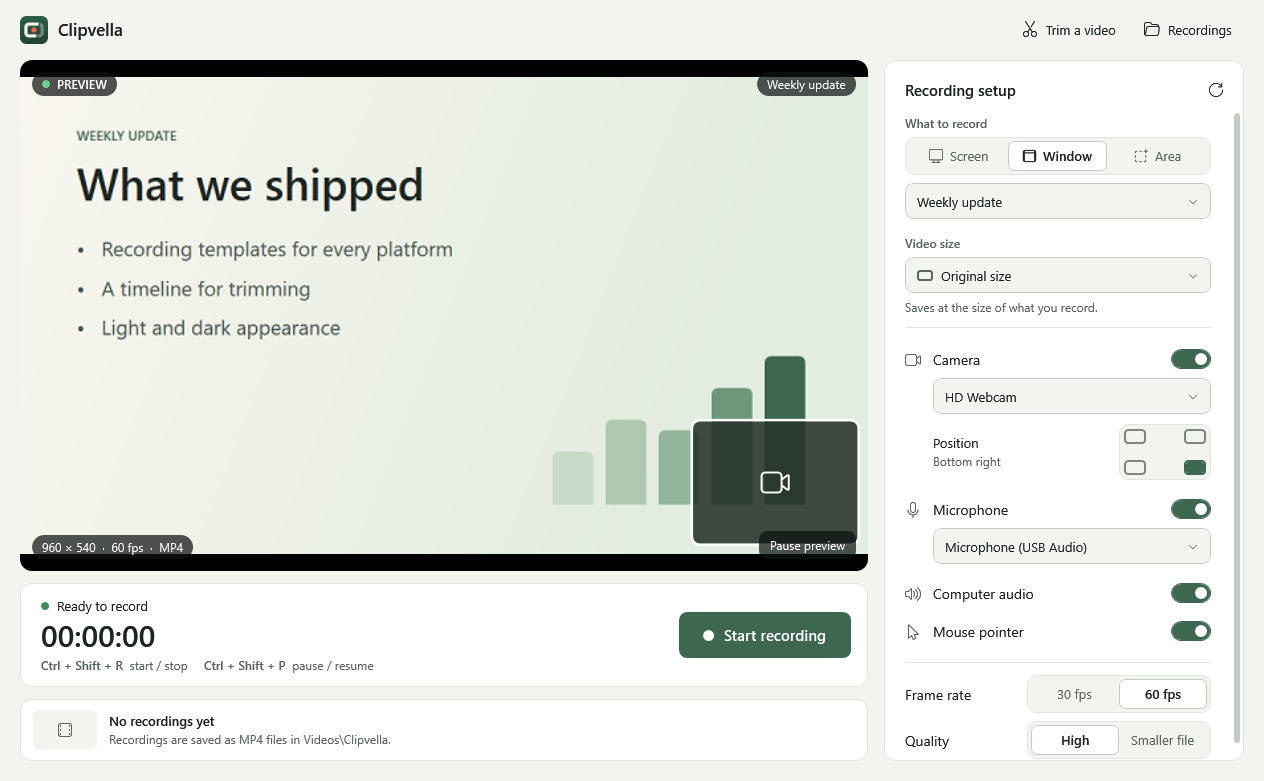
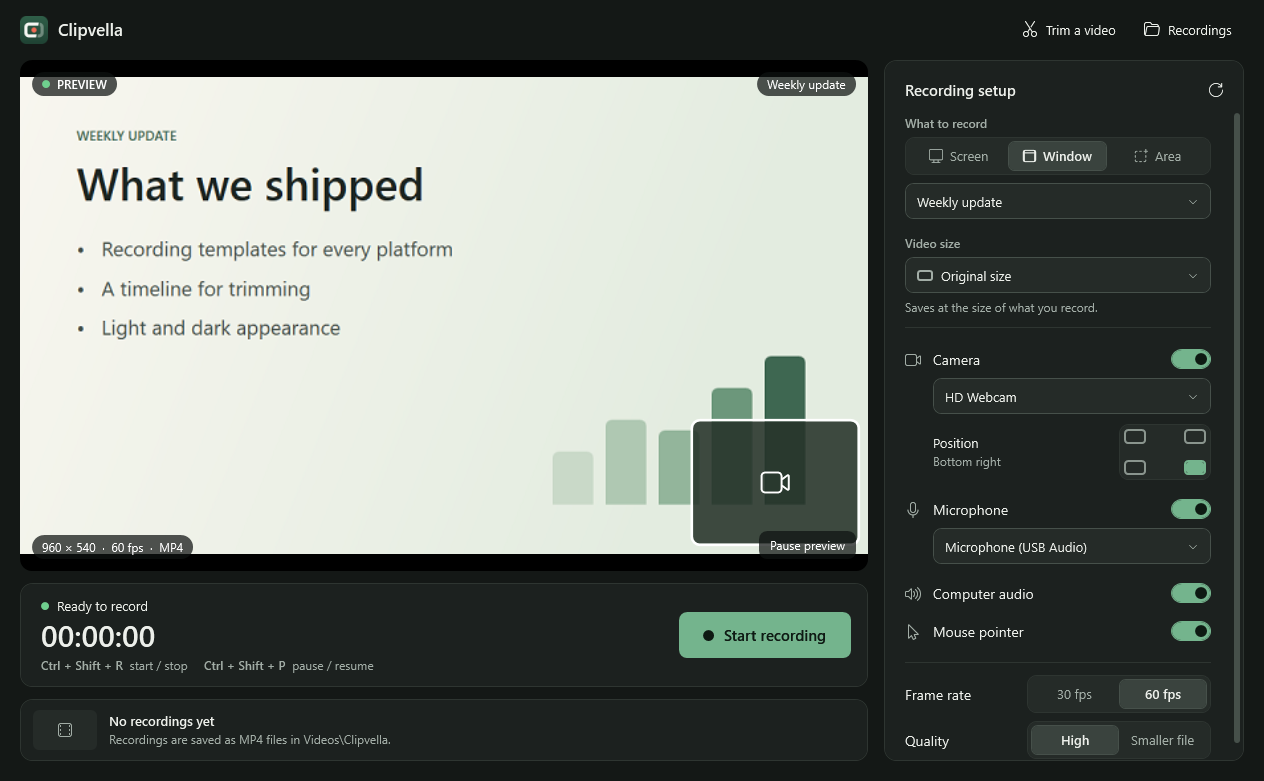
Clipvella is a free, open-source screen recorder for Windows 10 and 11. Record your screen, a window, or an area, add your camera, microphone, and computer audio, and save an MP4 on your PC.
Is Clipvella free?+
Yes. Clipvella is free to download and use, with no account and no watermark. Its source code is released under the MIT License.
Is Clipvella the same app as Takebud?+
Yes. This page announced the app as Takebud, and as FramePop before that. It launched as Clipvella with version 1.0.0, and old links to this page now lead here.
Does it work offline?+
Yes. Clipvella records without an internet connection or an account. The installer and portable ZIP include the .NET runtime and the FFmpeg video engine, so there’s nothing else to install.
Which versions of Windows does it support?+
Windows 10 and 11, 64-bit. Version 1.0.0 was tested on Windows 11. Windows 10 hasn’t been tested yet.
Can I record my webcam and computer audio together?+
Yes. Switch on your camera, microphone, and computer audio in any combination. Your camera can sit in any of the four corners.
Can I make vertical videos?+
Yes. Choose YouTube Shorts or Instagram Reels / Stories for a 1080 × 1920 video. There are also landscape, square, and 4:5 portrait templates.
Can I pause or trim recordings?+
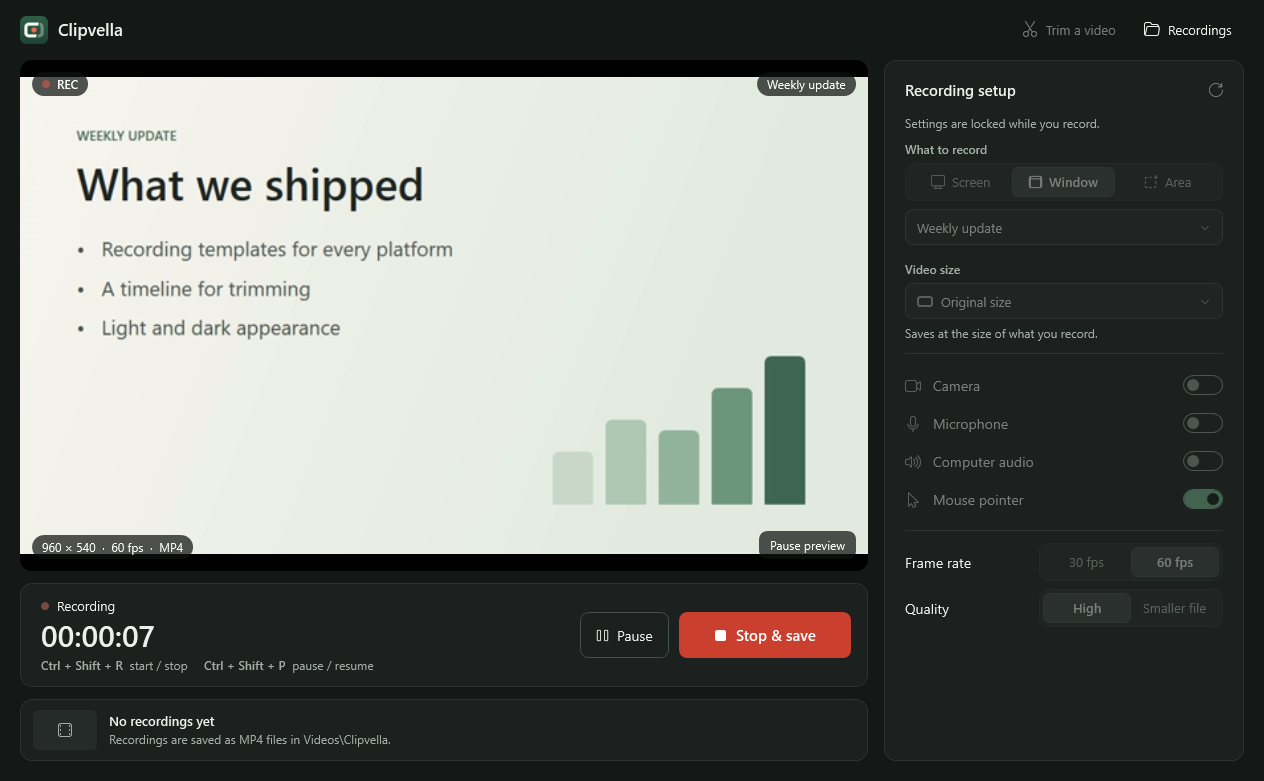
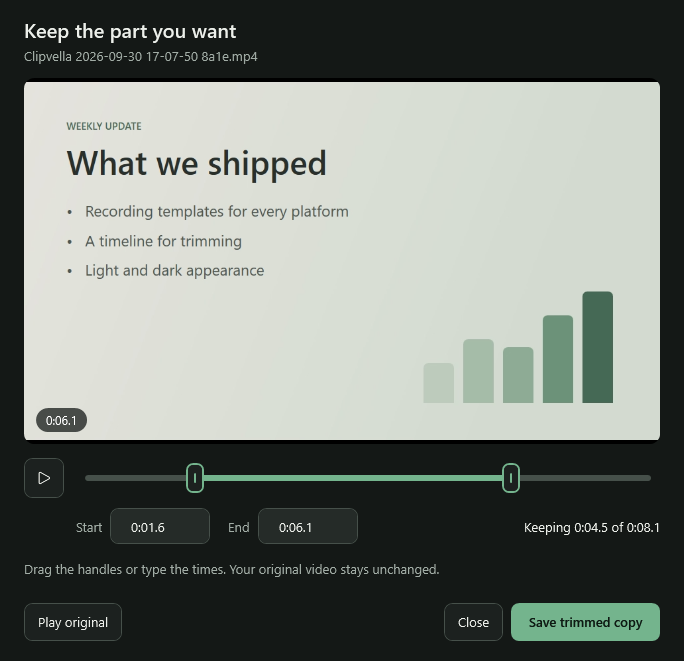
Yes. Paused time is left out of your video. Trimming saves a new MP4 and leaves the original unchanged.
Where are recordings saved?+
In your Windows Videos\Clipvella folder. Click Recordings in Clipvella to open it. Uninstalling removes the app only; your recordings and preferences stay where they are.
Will it record every window or game?+
Not always. Minimized windows, protected video, some games, and hardware-accelerated apps may appear blank. Keep the window restored and visible, or record the whole screen with the app in windowed mode.
Installer or portable ZIP?+
The installer adds Clipvella to the Start menu, includes an uninstaller, and doesn’t need administrator rights. The portable ZIP needs no installation: unzip it and open Clipvella.exe.
Why might Windows show a warning when I install it?+
The downloads aren’t code-signed, so Windows SmartScreen may say the publisher is unknown. If you trust the file, choose More info, then Run anyway. You can compare your download with the published SHA-256 checksums first.
Where can I report a bug or contribute?+
Report bugs and suggest improvements in the issue tracker. To contribute a change, read the contributing guide in the source repository.
 Clipvella