Your shortcut
A shortcut that suits you
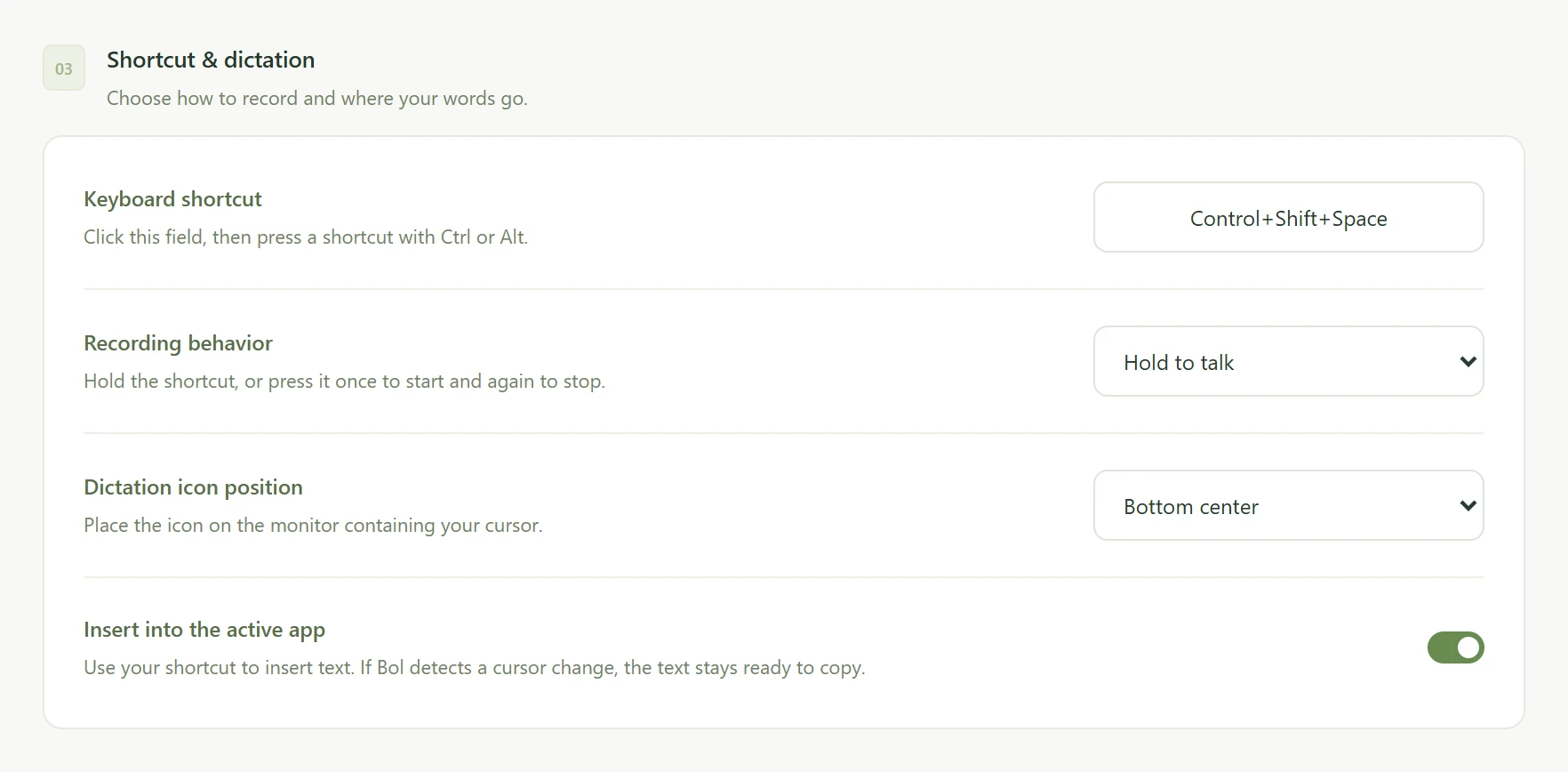
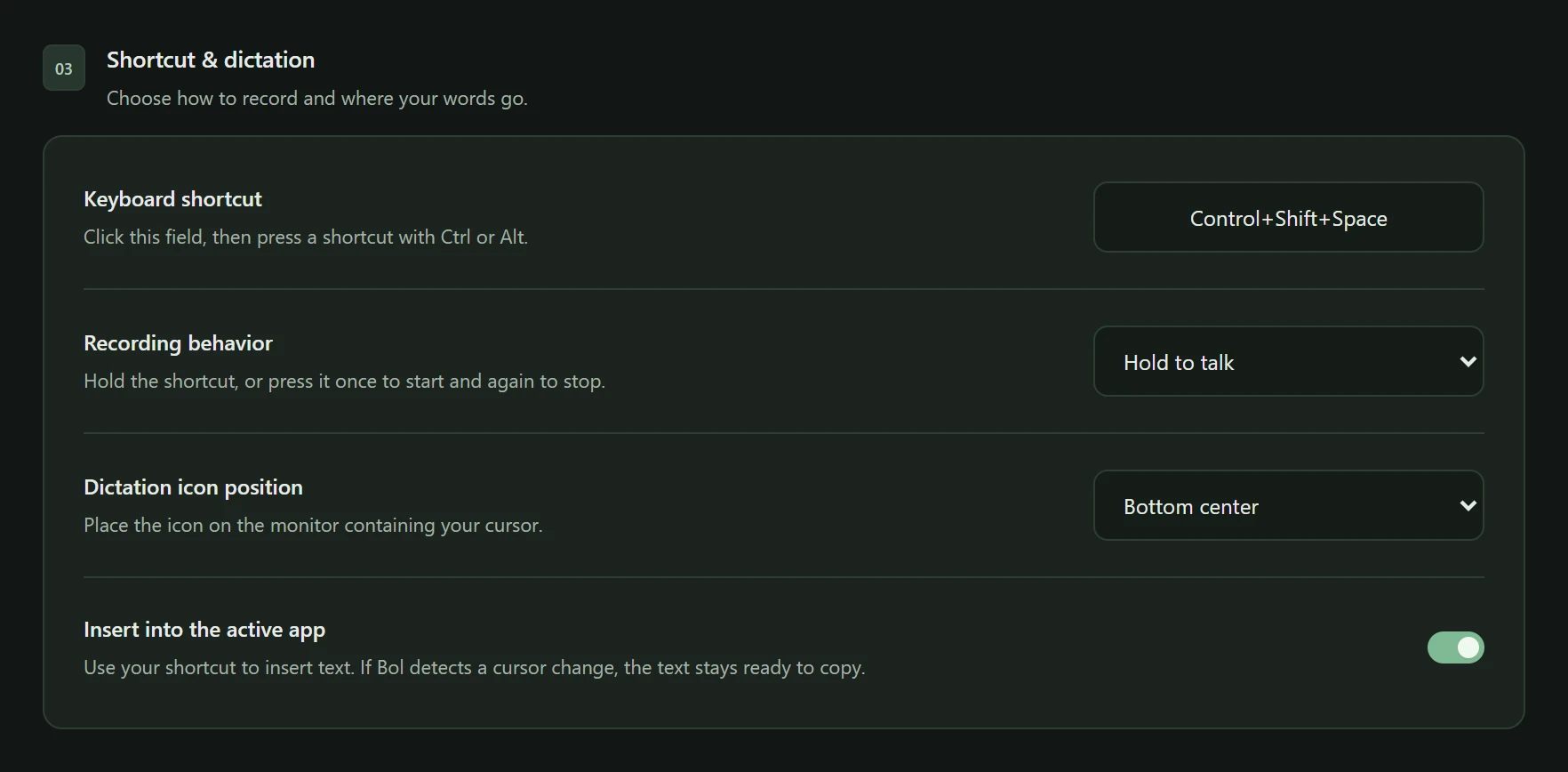
Hold to talk and release to finish. Or choose to press once to start and again to stop. Change the shortcut in Settings to a combination you find comfortable.
Ctrl+Shift+Space
bol.Voice dictation for Windows
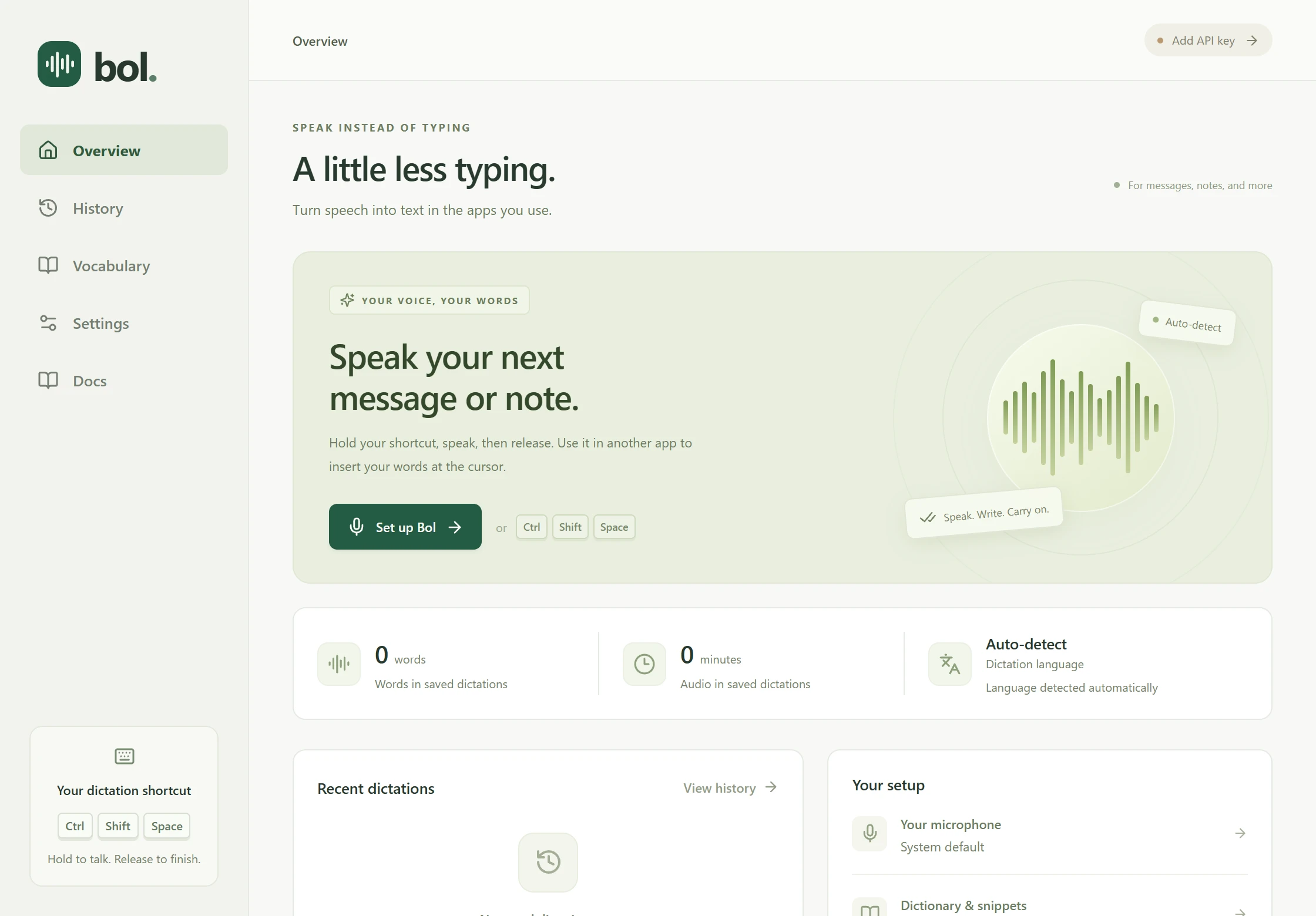
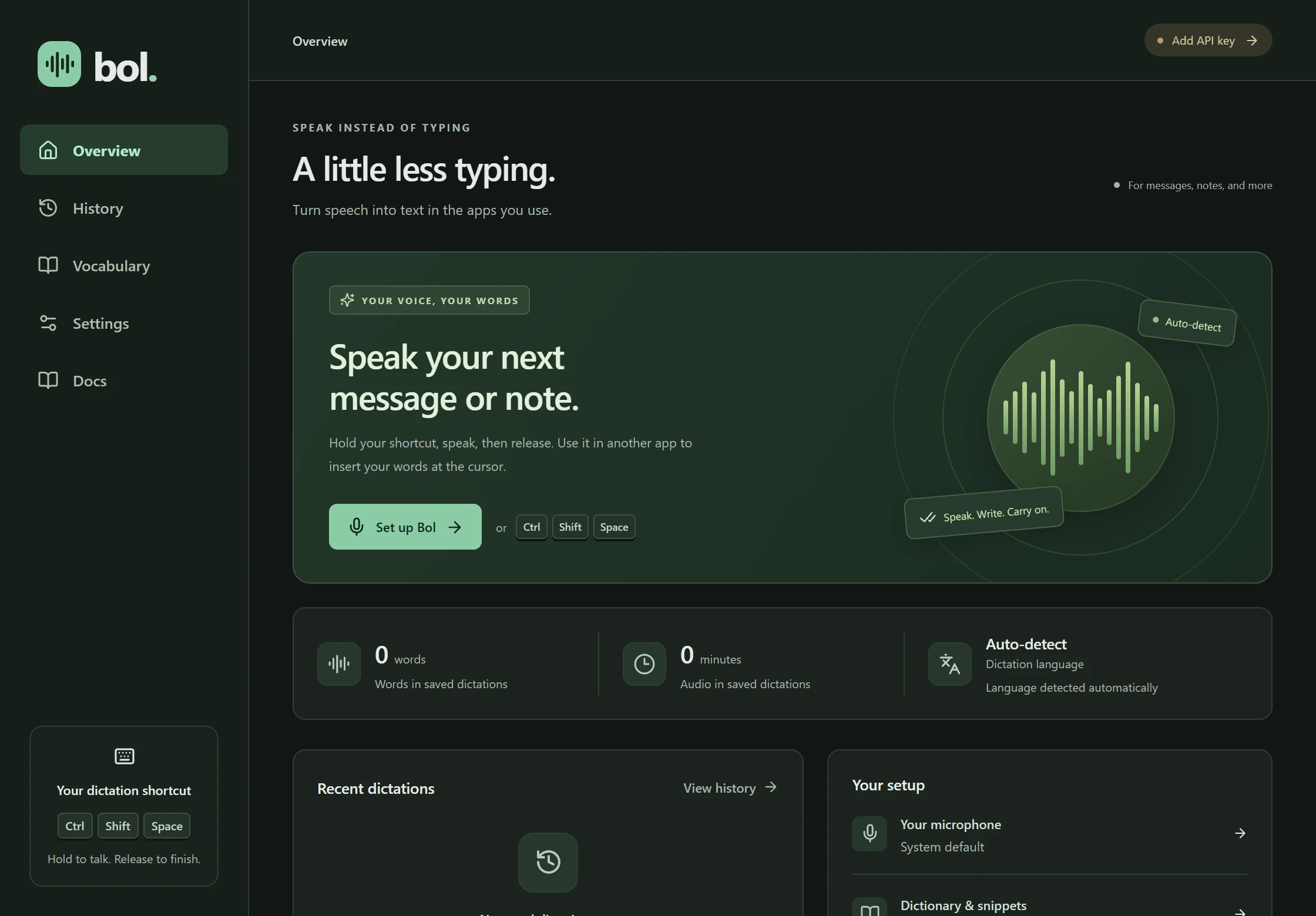
Turn your voice into text in the Windows apps you use. Hold a shortcut, speak, and release to write.
Requires your own OpenRouter API key and credits. You pay for transcription through OpenRouter.
Your first dictation
Start with a Windows computer, a microphone, and your OpenRouter API key and credits.
Download and install Bol on your Windows computer.
Get the installerOpen Settings and add your OpenRouter API key. Your OpenRouter credits pay for transcription.
Select and test your microphone in Settings. Test audio stays local and is never uploaded.
Click a text field. Hold Ctrl + Shift + Space, speak, and release. Review the text when it arrives.
Dictation needs an internet connection. Audio goes to OpenRouter and its transcription provider.
For the writing in your day
Draft a reply, capture a thought before you forget it, or get an email started. Keep working in the apps you know.
Your shortcut
Hold to talk and release to finish. Or choose to press once to start and again to stop. Change the shortcut in Settings to a combination you find comfortable.
Recording status
A small floating icon moves with your voice, then shows when Bol is processing the recording. Choose where it appears on your screen.
Where your words go
Use the shortcut in another app and Bol will try to insert text at your cursor. You can turn automatic insertion off. Start a dictation from Bol’s Overview to get text ready to copy.
When insertion may not workSpeak first
Bol doesn’t show words while you’re speaking. Release the shortcut and your text arrives, ready to review.
“Let’s pick this up tomorrow. I’ve added a few notes.”
Press Escape to cancel. Each recording can last up to five minutes.
Ready when you need it. Choose your microphone and a Light, Dark, or System appearance. Keep Bol close with optional launch at login and system tray access. Find setup help in Docs.
Your voice, your words
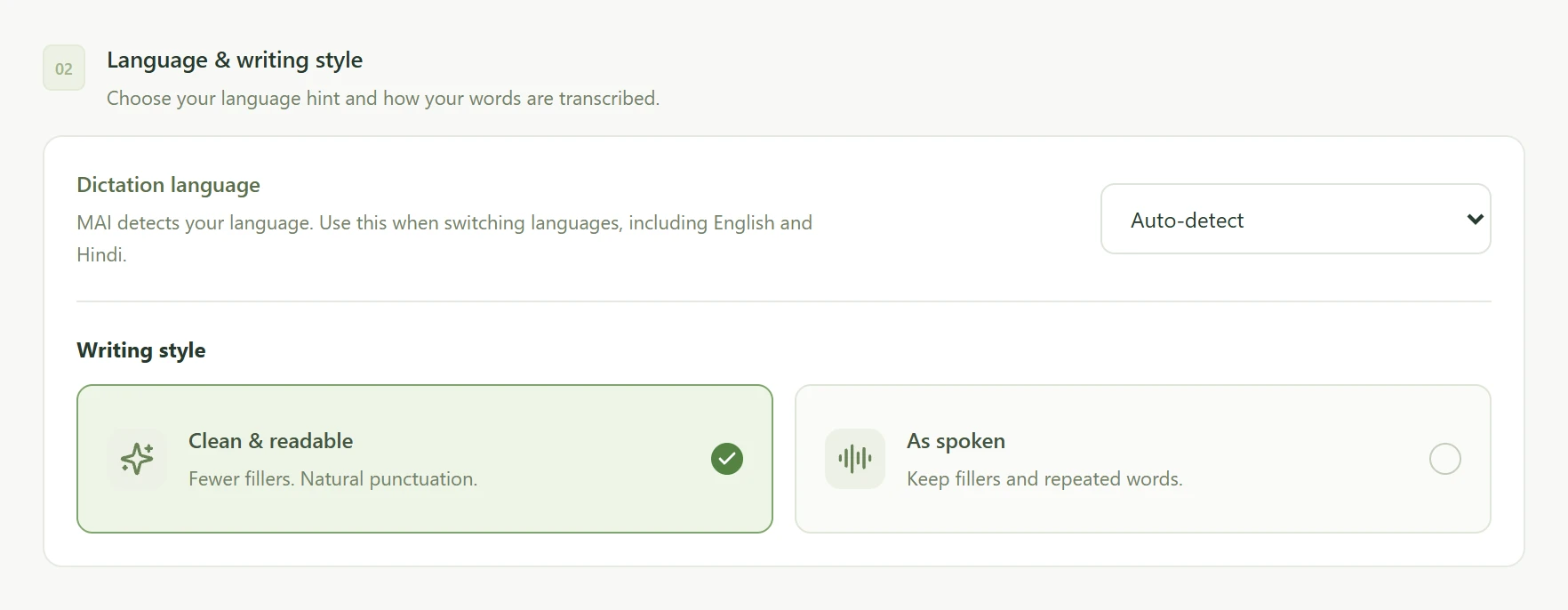
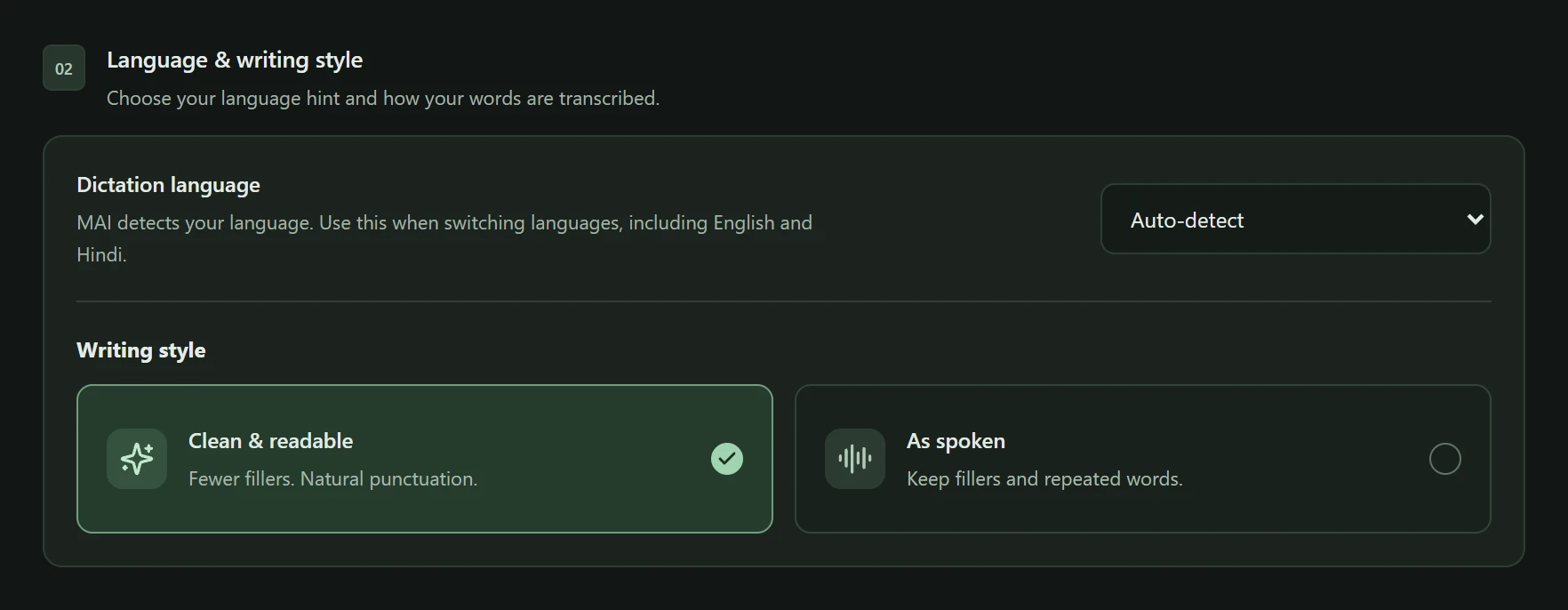
English, Hindi, or another language you use. Auto-detect can handle switching languages, so you can speak the way you normally do.
Auto-detect is the default. You can also choose a language hint from 60 supported languages. Bol transcribes speech; it doesn’t translate or convert scripts.
An everyday example
“Let’s meet tomorrow.
बाकी बातें तब करते हैं।”
Writing style
Clean & readable asks the model to remove fillers and format your text. As spoken asks it to keep your words as you said them. The model may not follow every preference, so review your text.
Spoken snippets
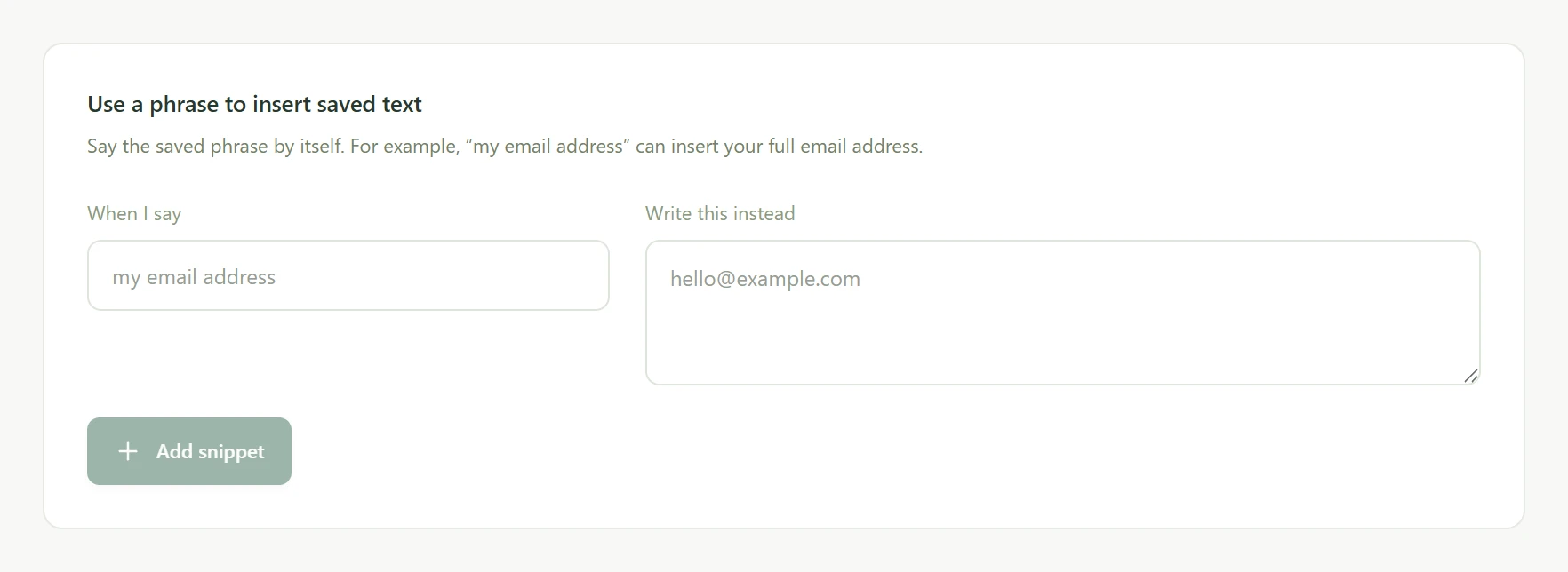
Save “my email address” as a phrase that inserts your full email address. Say the phrase by itself to use it. Snippets match the complete spoken phrase, not words inside a longer sentence.
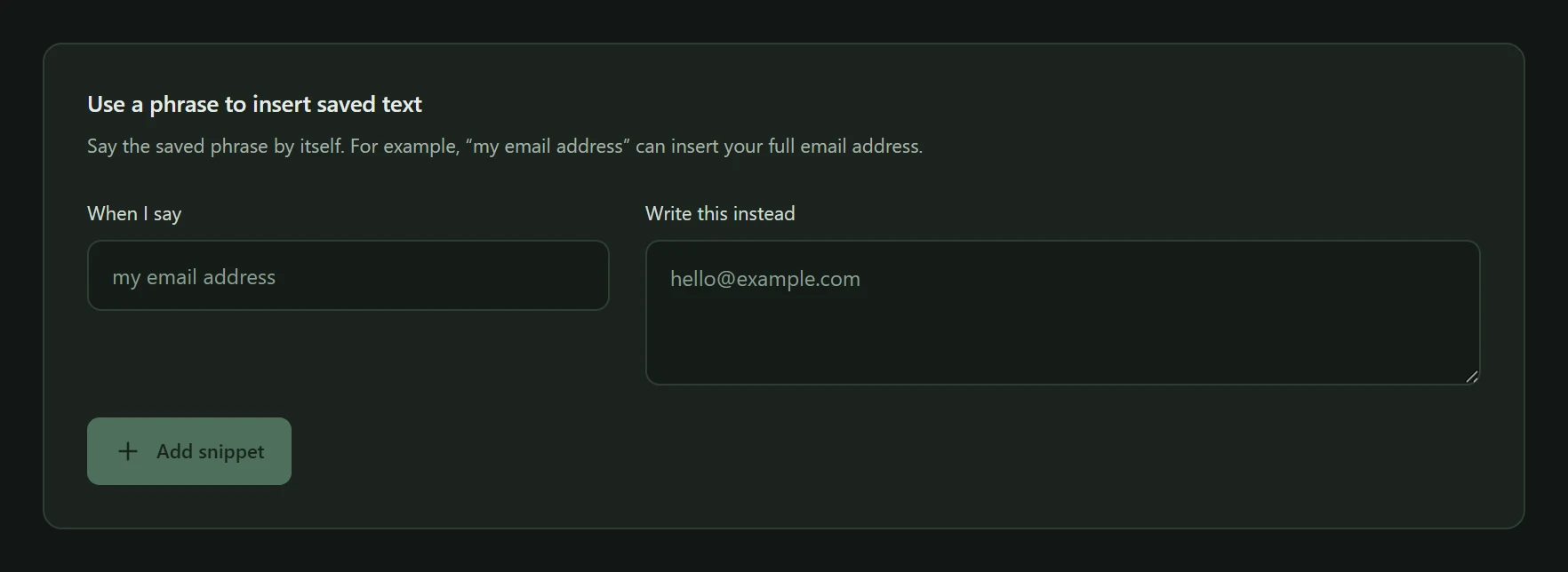
Personal dictionary
Add up to 100 names, acronyms, or technical terms as recognition hints. Give Bol a hint for a colleague’s name or an acronym you use often.
Know where your words go
Your settings stay on your computer. Dictation audio goes to OpenRouter and its transcription provider.
Audio held temporarily in memory
Audio sent for transcription
Insert at the cursor or copy yourself
Free and open source
Bol is free to download and use. There’s no Bol subscription. Connect your own OpenRouter API key to pay for the transcription you use.
Read the code to see how Bol works. Report a bug, suggest an improvement, or contribute a change.
Bol is a personal Windows voice dictation app for messages, notes, emails, and everyday writing. It turns finished recordings into text you can insert into an app or copy. Recordings have a five-minute limit; Bol has no meeting-recording mode.
The Bol app is free, with no Bol subscription or Bol account. Transcription costs extra: bring your own OpenRouter API key and credits to pay the transcription provider through OpenRouter.
Bol uses MAI Transcribe 2 through OpenRouter to turn recordings into text. Your API key connects Bol to your OpenRouter account, which pays for transcription. Add your key in Settings and make sure your OpenRouter account has credits.
No. Dictation requires an internet connection. Bol doesn’t show words while you’re speaking; text arrives after you finish recording. Microphone tests stay on your computer and are not uploaded.
The current build is for Windows x64. There are no macOS, Linux, or mobile builds. Reading this on your phone? Download Bol on your Windows computer.
Auto-detect is the default and can handle switching languages, including English and Hindi. You can also choose a language hint from 60 supported languages in Settings.
No. Bol transcribes what you say. It does not translate speech or convert it into a different script.
Dictation audio goes to OpenRouter and its transcription provider. Their retention policies still apply. Bol holds audio temporarily in memory and keeps no recording archive. Microphone tests stay on your computer.
No. History is off by default. Enable it to keep the latest 500 dictations on your computer, where you can search, copy, or delete them. There is no cloud sync.
Insertion isn’t guaranteed. Apps running as administrator, protected fields, and some custom editors may block it. If Bol detects a focus or cursor change, it keeps the transcript ready to copy. Some cursor changes in browsers and custom editors cannot be detected. Stay in your text field until the result is ready. If insertion fails, check for any text already inserted before pasting. You can also turn automatic insertion off.
No. Bol does not press Enter to submit messages. Review your text and send it yourself. Automatic insertion leaves your clipboard untouched. Clicking Copy replaces its contents.
The current installer is unsigned, meaning it has no digital signature. Windows may show a reputation warning. Review the download source and the information Windows provides before deciding whether to install. Bol has no automatic updater; download new versions manually.
Report bugs and suggest improvements in the issue tracker. Visit the source repository to explore the code and contribute.
Speak. Write. Carry on.
Bol v1.0.0 for Windows x64.
Download on your Windows computer.
What you need
Also by Sanjay Ahlawat